
Thank you, your request has been sent successfully!
!
Something went wrong with submitting the form! Please check your details and try again.

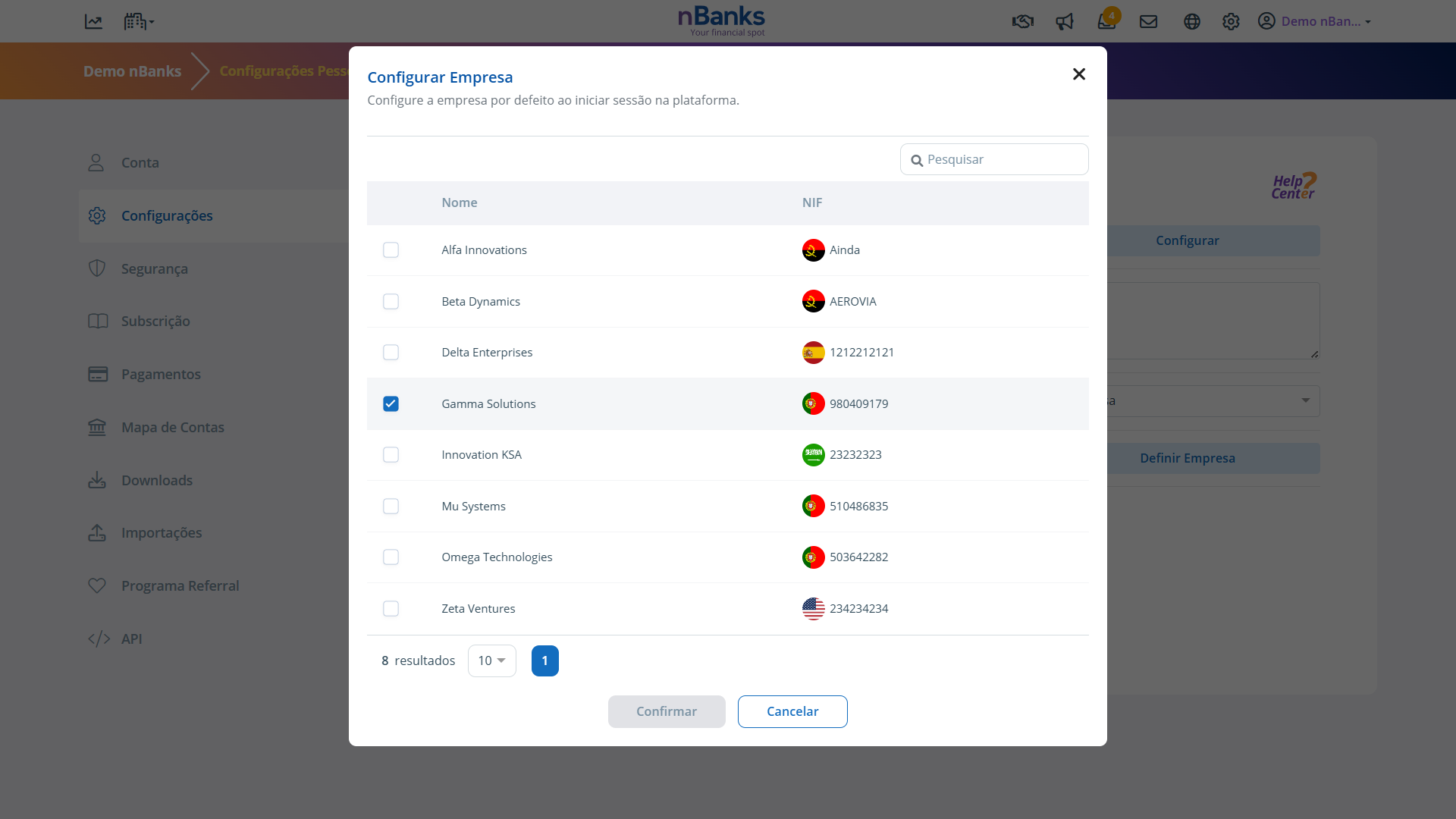
This feature allows you to define which company will be selected by default when you log in to your nBanks account, ensuring faster access to the company you use most often.
Click on your username in the top right-hand corner of the platform to open the Settings menu.
Select the Settings option.
In the Default Company section, choose the company you want to set as the default when you log in.
Save your changes.
And that's it!
From now on, whenever you log in to nBanks, you will automatically be directed to the company you have set as your default, making access faster and navigation more efficient.


